🔀 Git Branching Strategies Explained
🚀 Introduction
When you're working on a software project - especially in a team - managing your code effectively is critical. Git and GitHub enable this through branching strategies, but as a beginner, you might be confused by terms like develop, feature, or hotfix, or unsure which strategy fits your project best.
In this post, I’ll break down three popular Git branching strategies - Git Flow, Feature Branch Workflow, and Forking Workflow - explain how they work, and help you choose the right one.
🌳 Branching Strategies Overview
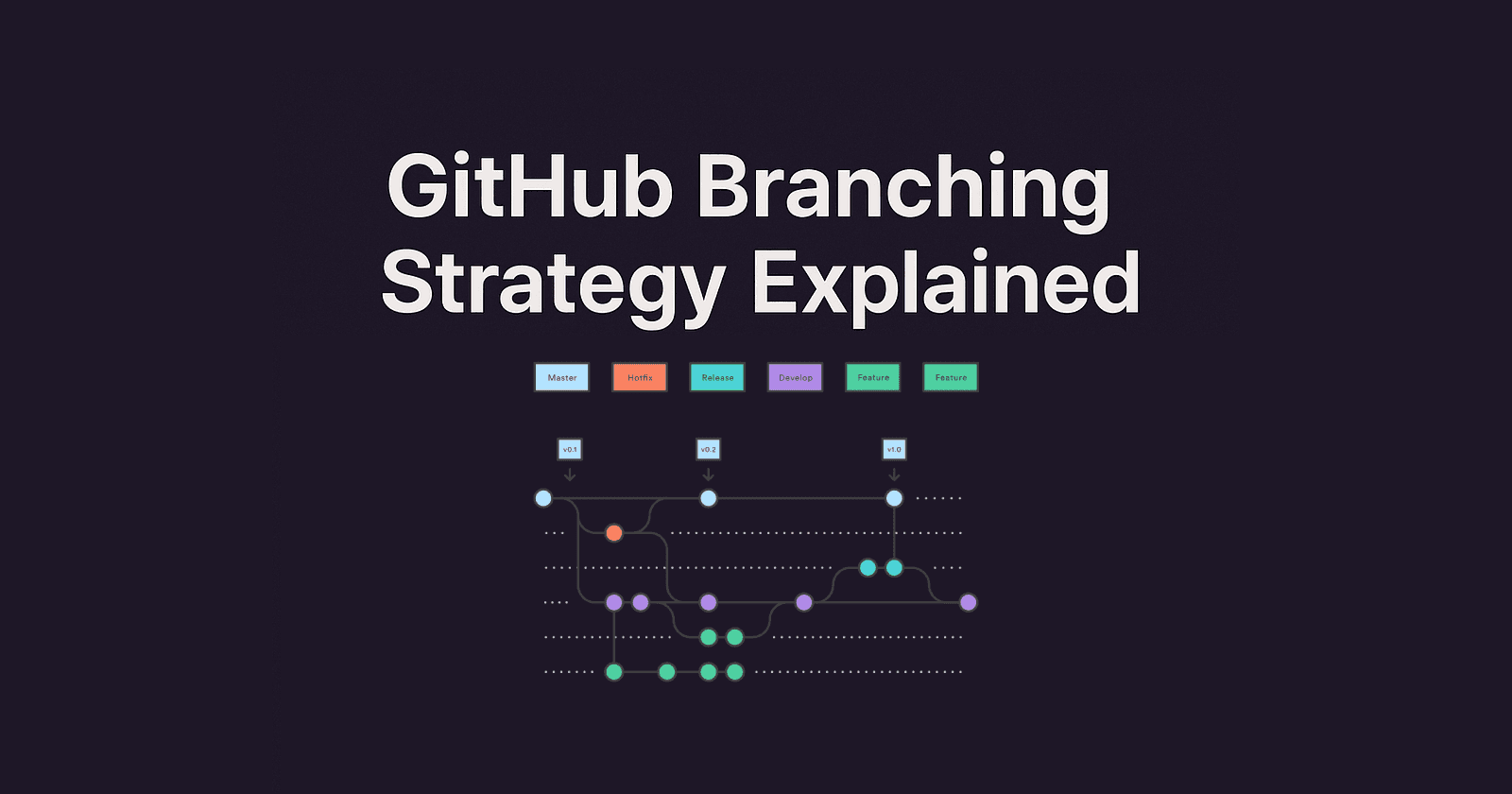
1. Git Flow Workflow
A structured and full-featured strategy for managing larger projects with scheduled releases.
🔑 Main Branches:
master– Stable, production-ready code.develop– Integrates features; staging area before production.feature/*– Individual feature development branches.release/*– Pre-release staging and polishing.hotfix/*– Urgent fixes for production issues.
🔁 Typical Flow:
master <—— hotfix
   ↑
release
   ↑
develop <—— feature
🧪 Example:
git checkout -b develop mastergit checkout -b feature/login developMerge feature into
develop→ createrelease/*→ merge intomasterand tag → back-merge intodevelop
✅ Best for: Large teams, scheduled/versioned releases.
❌ Complex for fast-paced or CI/CD-driven environments.
2. Feature Branch Workflow
This lightweight and popular strategy is often mistakenly called "GitHub Flow" - but it's officially known as Feature Branch Workflow. GitHub Flow is a variant of this, optimized for continuous delivery.
🔑 Main Branch:
mainormaster– Always production-readyfeature/*– Short-lived branches for individual changes
🔁 Typical Flow:
main <—— feature/* (via Pull Request)
🧪 Example:
git checkout -b feature/signup mainCommit and push changes
Open a PR, get it reviewed, and merge into
main
✅ Best for: CI/CD, small to medium teams, rapid releases
❌ Lacks pre-production stages like testing or staging unless you set them up in your CI pipeline
3. Forking Workflow
Mostly used in open-source projects where contributors don't have direct write access to the main repository.
🔑 Key Concept:
Contributors fork the main repository
Work is done in their personal clone
Changes are submitted via Pull Request back to the original repo
🔁 Typical Flow:
origin/main <—— Pull Request <—— forked-repo/feature
🧪 Example:
Fork the repo on GitHub
git cloneyour forkgit checkout -b fix/typoPush and open a PR to the original repo
✅ Best for: Open-source and external collaborations
❌ Not ideal for internal team projects due to overhead
📘 Real-World Example: To-Do App
Let’s walk through how each strategy could apply to a simple project like a To-Do App.
🔸 Using Git Flow:
Start from
master, createdevelopEach feature (e.g., "Dark Mode") gets a
feature/dark-modebranch fromdevelopOnce ready, create
release/1.0.0fromdevelopMerge
releaseintomasteranddevelop, tag the releaseIf a crash is found in production, create
hotfix/crash-fixfrommaster
🔹 Using Feature Branch Workflow:
Start from
mainCreate a branch
feature/dark-modedirectly frommainWork and open a PR
After testing, merge to
mainand deploy
🌐 Using Forking Workflow:
Contributor forks the main repo
Creates a feature branch in their fork (e.g.,
feature/dark-mode)Pushes and opens a PR to the main repo’s
mainbranch
🧠 Summary Table
| Strategy | Best For | Main Branches | Pros | Cons |
| Git Flow | Enterprise apps, versioned releases | master, develop, feature/*, release/*, hotfix/* | Structured, scalable | Complex setup |
| Feature Branch | Startups, CI/CD teams | main, feature/* | Simple, fast | No staging by default |
| Forking Workflow | Open-source projects | Forks, PRs to main | Secure, external contributions | Slower workflow |
🔍 Text-Based Diagrams
Git Flow:
*--------------------*-------------------> master
         \             \
          \             *------------> hotfix/*
           \
            *-------------------------> release/*
             \
              *--*--*--*--*-----------> develop
                 \  \  \  \
                  \  \  \ *----------> feature/*
                   \  \  *-----------> feature/*
                    \  *-------------> feature/*
Feature Branch:
main
  |\
  | *--> feature/login
  | *--> feature/dark-mode
  | *--> feature/tags
  --> PR merge back to main
Forking:
original-repo/main
        ^
        |
  Pull Request
        |
  forked-repo/feature
✅ Final Tips
Choose a strategy that matches your team’s workflow and delivery model.
Always pull latest changes before creating new branches.
Use clear, consistent branch naming (
feature/login-page,hotfix/api-timeout).Keep commits focused and meaningful.
Use tags for versioning (
v1.0.0,v1.0.1).
With the right strategy, your team can work efficiently, reduce conflicts, and release with confidence.